How to create an account
The basic version of My Words works for free without registration: core features and unlimited dictionaries are available.
For premium features, sync through a My Words account, and cloud backups, you need an account (profile). Free iCloud sync on Apple devices works without registration — see Sync across devices.
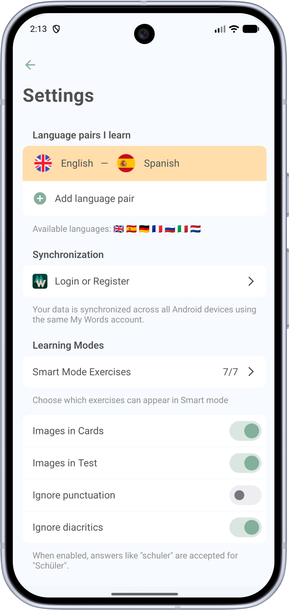
- On the Dictionary tab, tap the gear icon in the top left.
- Find the Sync section and tap Sign in or sign up.
- On the login screen, create a profile with Google, Apple, or your email.
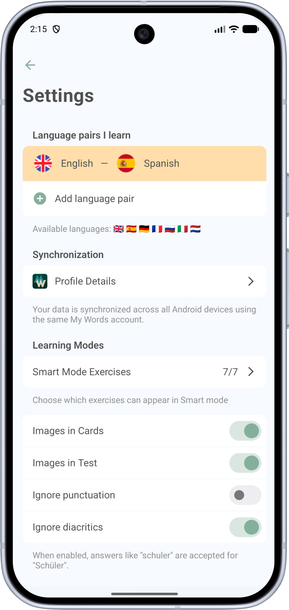
- After you sign in, a Profile button appears in settings.