


Personal dictionary, flashcards and memorization
Each language starts with one word


My Words: Learn words and languages
My notebook dictionary, flashcards and reader for learning foreign languages
Add your own words, phrases and lists. Study the vocabulary you need with flashcards, exercises and spaced repetition. Listen and practice pronunciation, write vocabulary dictations, and read books to learn words in context.
spelling, reading, speaking, listening
My Trainer — 14 exercise types across 4 core skills
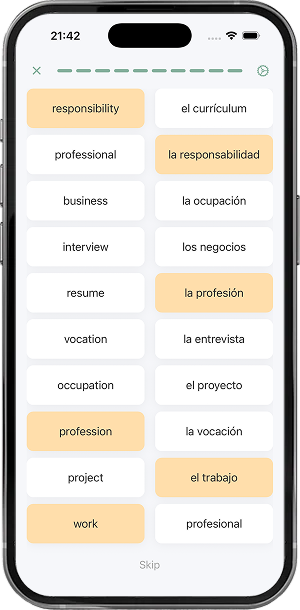
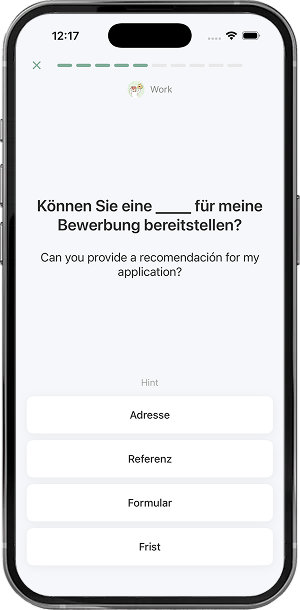
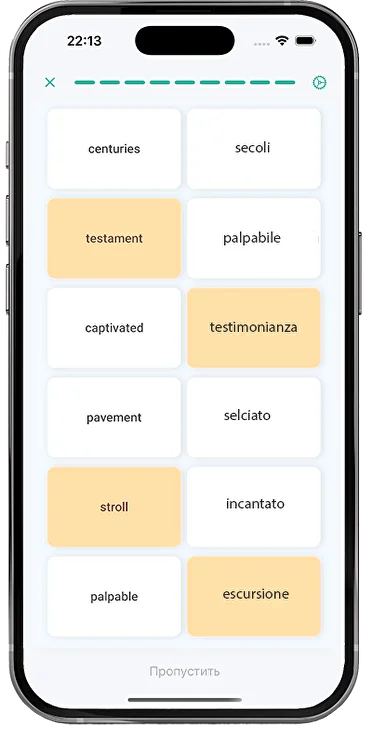
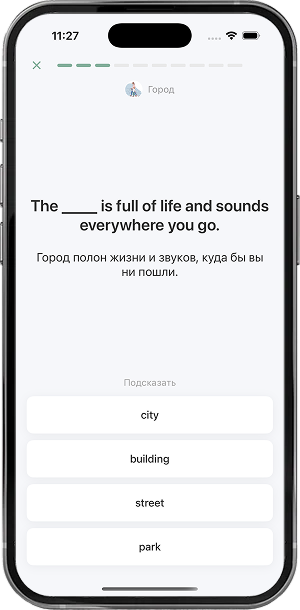
Turn your study materials into many exercise combinations: memorizing words, dictations, pronunciation practice, using words in context, reading, listening, reviewing flashcards and more.
5-minute exercises:
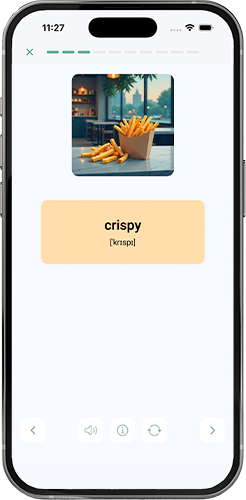
- Flashcards
- Dictations
- Speaking
- Reading
- Context
Learn a language by reading books!
My Reader — books in a foreign language
Import your books, texts, self-study guides and textbooks in EPUB and read them in My Words. Tap any word or phrase to see the translation and save it instantly, turning every book into a personal vocabulary lesson. Review words, phrases and quotes on flashcards.
Browse books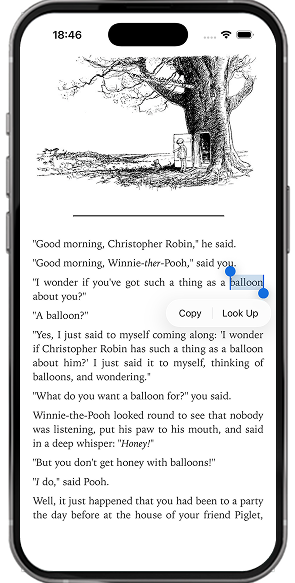
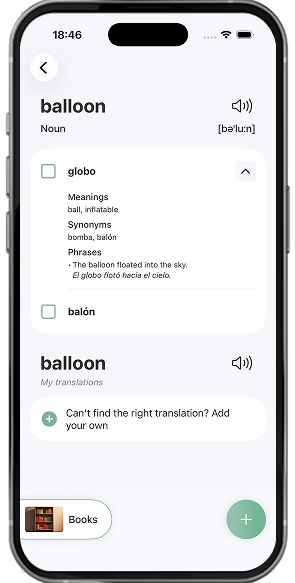
transcription, audio, synonyms and usage examples
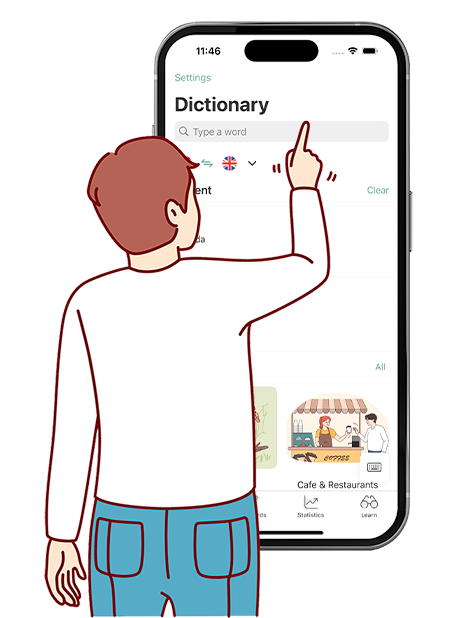
My Dictionary — Translate and save words you want to remember
A dictionary is essential for language learning — for words from books, films, lessons and everyday life. Add vocabulary to your word lists, group it by topic and study it with the trainer.
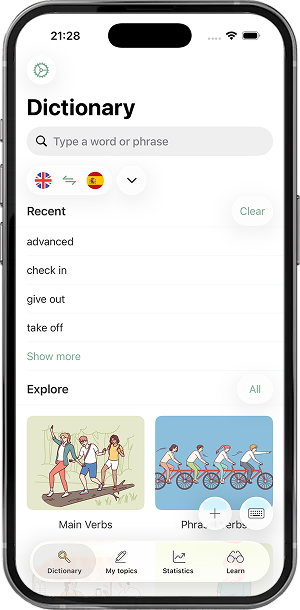
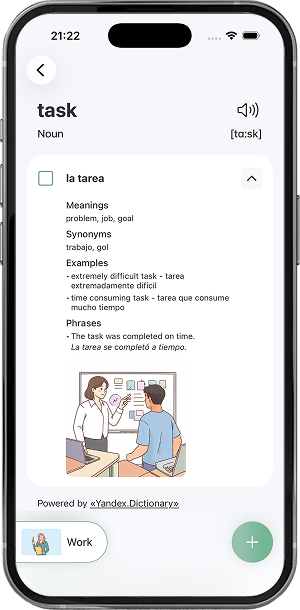
My notebook for vocabulary and lessons

A method that works!
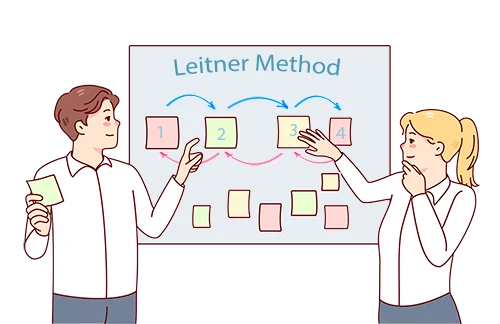
Spaced repetition combined with the Leitner system
How do you learn foreign words quickly? How do you remember vocabulary for good? We combined spaced repetition with the Leitner system so short, 5-minute exercises lock words and phrases into long-term memory.
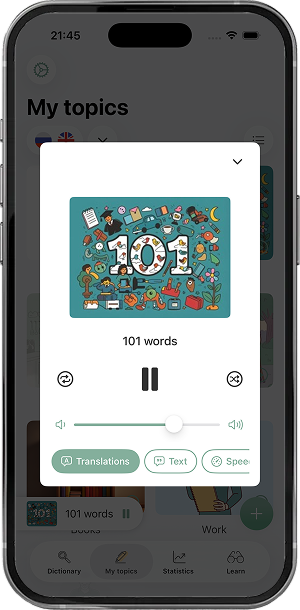
Player with repeat, shuffle and translation modes
My Player — Listen and repeat
Just listen to your word and phrase collections whenever it suits you: in the car, on a walk or before bed! Repeated listening helps you get used to the sound of the language and remember pronunciation. Next step: repeat words and phrases in the pauses.
TOP 1500 most common words
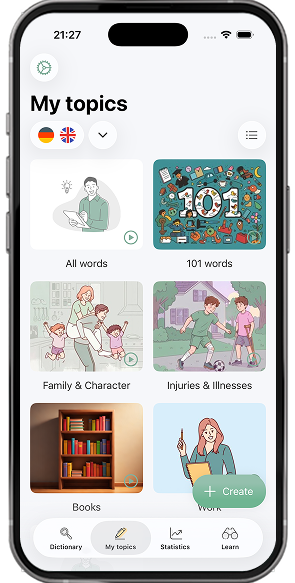
My topics
We collected dozens of everyday vocabulary sets by topic. For any topic you can create a text or dialogue. Here are a few topic examples:




Travel and Transport
Travel restores your energy and helps you see familiar things in a new light.
Open
Your Own Word Sets
Create Your Personal Vocabulary
Build your own dictionaries and word collections based on your goals. Add new words while reading short texts or books, watching videos or learning in class. Organize vocabulary into topics and study exactly what you need.
create word sets

organize by topics
import word lists

For teachers, students and independent learners!
Share word lists and texts
Share your topics, lessons and collections! You can send a vocabulary list, a lesson text or illustrations to friends, a teacher or a student.



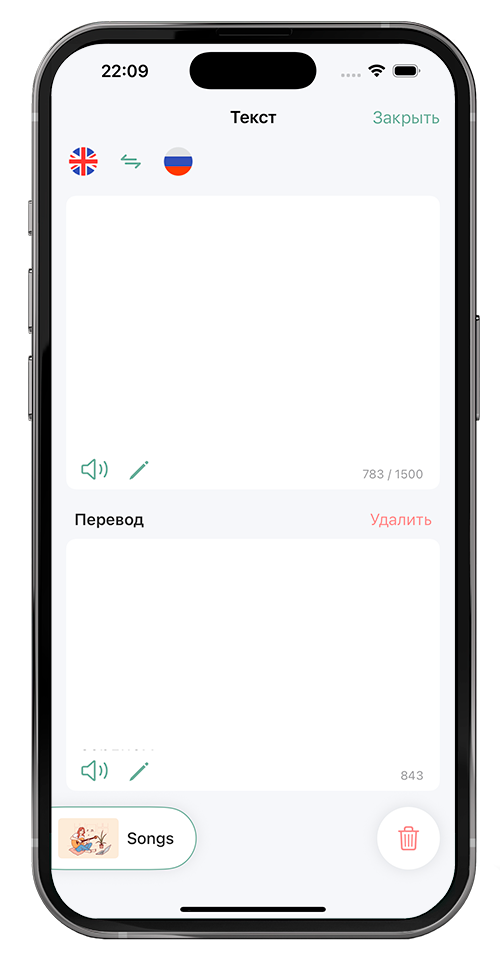
Work with texts: create, read, listen, translate
Learn words from text
Create short stories and dialogues at your level, with your words. You can listen to these texts with speech synthesis. Practice vocabulary with exercises.
Text


A walk about London is a journey through history and culture. As youstroll through the streets, you can't help but feel the weight ofcenturies past. The city's iconic landmarks, such as Buckingham Palace, the Tower of London, and St. Paul's Cathedral, stand astestaments to its rich heritage.

Words
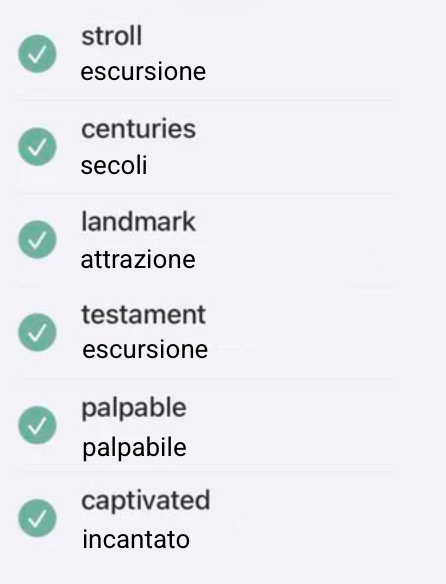
Learn
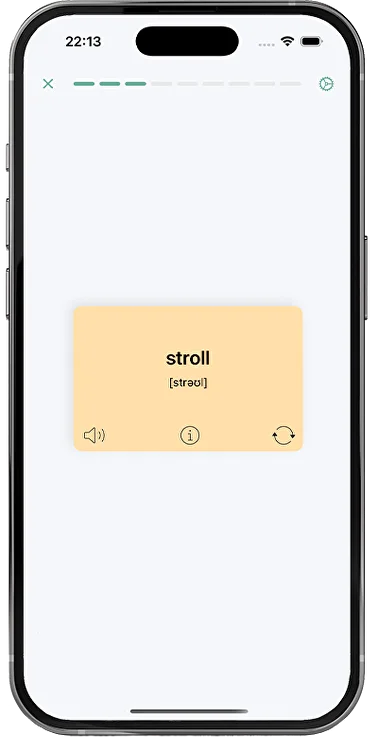
Free & Premium
We make language more accessible
Start free with a full dictionary and trainer. Upgrade to Premium for AI texts, pronunciation checks and player mode.
The free version — more than you thought!
An unlimited, easy-to-use dictionary: organize vocabulary by topic, add texts, books and notes, import your words, spaced-repetition learning, flashcards and vocabulary dictations.
Effective algorithms help you learn
Premium includes not only the word trainer, but also text generation by topic or with your words, learning vocabulary in context, text translation, pronunciation checks and player mode!

Made for movement and freedom!
Features that don’t limit your freedom — everything goes with you! Study at your own pace. Set goals and move toward them!
App Store reviews
Source: App Store. Reviews translated from the original Russian.
Great app!
The best find for memorizing words :) very convenient design — but maybe you could let people watch five ads and get premium features for an hour? Not everyone can afford it; that would be awesome :>
Support:
Thank you so much for the review! :)
You can already turn off ads for 30 minutes by watching a video — open the Dictionary tab, tap Premium in the top right, scroll down and choose Remove ads.
We'll definitely consider temporary premium access — thanks for sharing the idea!
Convenient, simple, high quality!
The app is definitely worth your attention: clean design, excellent features, and easy navigation. You can measure your vocabulary and track learning progress. Several ways to self-check.
The yearly premium costs next to nothing — worth buying to support the developer, even though the ads aren't intrusive.
Support:
Developer's reply,
Thank you for the review!
Thanks to the developers!
Awesome! The only app that fits perfectly as an English word dictionary! You could also add collections like “1000 most popular words.” Keep it up!
Developer's reply:
Thank you for the review!
We'll definitely implement your suggestion!
Main features
About the My Words app
The My Words mobile app is designed for learning English, German, Spanish, Italian, Dutch, French and Russian. It is a vocabulary builder, but it does more than flashcards.
- Learn English, German, Spanish, Dutch, Italian, French and Russian words
- Add new vocabulary to your dictionary and listen to pronunciation
- See translation, transcription, synonyms and usage examples
- Organize vocabulary by topic
- Learn words with flashcards and by ear
- Add, translate and listen to texts
- Upload and read books
- Learn with the Ilya Frank method
- Generate texts with the words you study
- Extract words from text
- Create your own dictionaries
- Memorize vocabulary with spaced repetition
- Check and train pronunciation
- Write vocabulary dictations
- Do exercises
- Study ready-made word sets
- Import your own word lists
- Share study materials and collections with friends
- Take notes
- Check your English vocabulary size
All vocabulary is grouped by topic. Words are easy to learn with flashcards and 5-minute exercises. You can also use the app as a smart notebook and translator.
About My Words: Learn Vocabulary
What is My Words?
My Words helps you learn foreign words with flashcards, spaced repetition, listening and vocabulary dictations. You can build your own word lists with the built-in dictionary and steadily grow your vocabulary.
Which languages can I study in My Words?
English, Spanish, German, French, Russian, Italian and Dutch.
Is My Words good for learning English words?
Yes — and for other languages too. You can create your own dictionaries and study words in a convenient format.
How can I learn a language on my own with My Words?
Consistency matters most — even 5 minutes a day. Read short texts, add new words and phrases, run the automatic learning algorithm, listen to songs, check pronunciation and use new words in conversation when you can.
How can I check my vocabulary size?
You can take our free English vocabulary size test on the site, or check it inside the app.
Is there a free version?
Yes. The free version includes the core features for learning words.
Can I add my own words?
Yes. You can create your own dictionaries and add any words you want to learn.
Learning vocabulary
English levels: how many words do I need?
A1 — about 500 words; A2 — 700–1500; B1 — 1500–4000; B2 — 4000–6000; C1 — 6000–10000; C2 — 10000+. Read more in our article on language levels.
How can I learn foreign words effectively?
Group words by topic, learn words from real context, review at spaced intervals, don’t take too many at once (10–20), use flashcards, speak aloud, write dictations and practice regularly. More: spaced repetition.
What is meaningful memorization?
Information in context sticks far better. When learning words, see them used in texts or phrases. In My Words you can generate texts with your words, browse usage examples and practice applying words in sentences.
What is the Ebbinghaus forgetting curve?
From Hermann Ebbinghaus (1885): up to 50% of learned information can be forgotten within the first hour; after 4 hours about 40% remains; after a day about 30%. My Words uses an algorithm based on the Ebbinghaus curve.
What is the serial position effect?
Information at the beginning and end of a list is remembered best. My Words takes that into account when it orders practice.
What is spaced repetition?
To remember information for a long time, review it just as it is about to be forgotten. Intervals follow the Ebbinghaus forgetting curve. More: spaced repetition.
What is TOEFL?
TOEFL (Test of English as a Foreign Language) is a standardized exam of English as a foreign language with a focus on academic English. More in our TOEFL article.