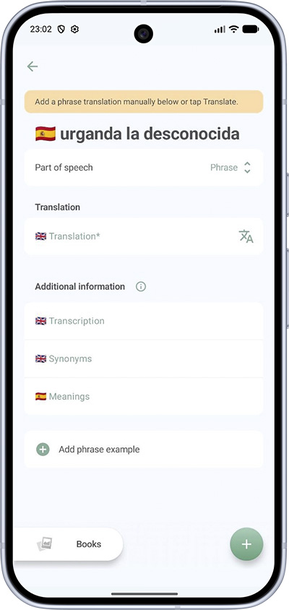
How to add your own translation of a word or phrase
If the word is not found in the dictionary, the custom translation screen opens right away. If the word is found but you want to add your own translation, tap No suitable translation? Add your own at the bottom of the list.
- On the add-translation screen, fill in the fields you need: translation, part of speech (required), usage examples, and others. If the language uses articles, choose gender and whether the word is plural — the article will be filled in automatically. If the article does not depend on gender, you can pick the article itself.
- In the premium version, tap the auto-translate button for phrases or rare words.
- Choose a category at the bottom of the screen, as on the word details screen, and tap + to add the translation for practice — the word will appear in your topic folder.