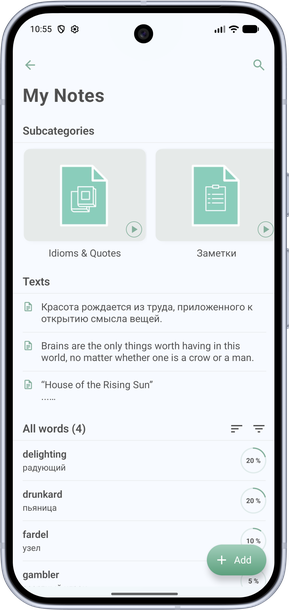
How to create a folder or subcategory
Topic folders help you organize vocabulary. Subcategories are nested folders inside a main topic.
- Open My Topics and tap Create. Or on the Dictionary tab, tap + and choose Create category.
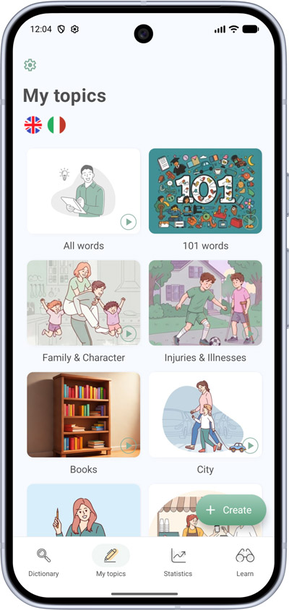
- Choose whether this will be a main folder (category) or a subcategory (nested folder).
- Enter a name and optionally add a cover.
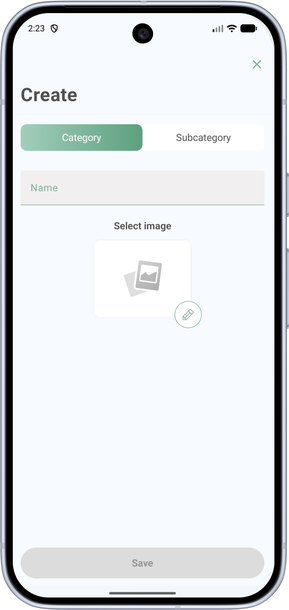
- Save the folder — it will appear in your topics list. Subcategories show up inside the main topic folder.