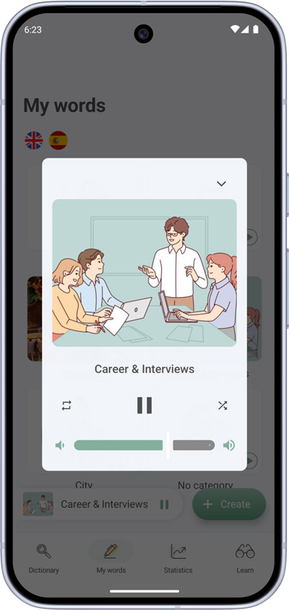
How to use the player
The player is a premium feature. It lets you listen to vocabulary collections with or without translation and show words with transcription on screen.
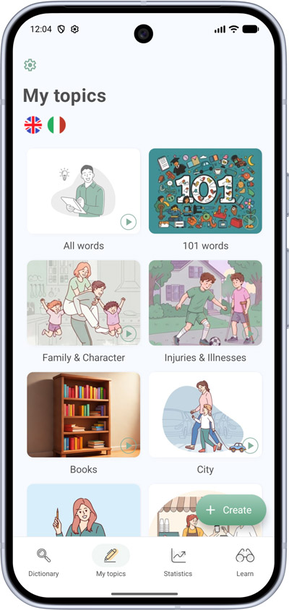
- Open the My Topics screen.
- In the bottom-right corner of the topic cover you want, tap the play button — the player opens.
- At the bottom of the player screen you can:
- turn off spoken translation;
- show the word being spoken;
- adjust playback speed;
- set a sleep timer.