
How to add a book
In My Words you can add books in EPUB format and save them in your topic folders.
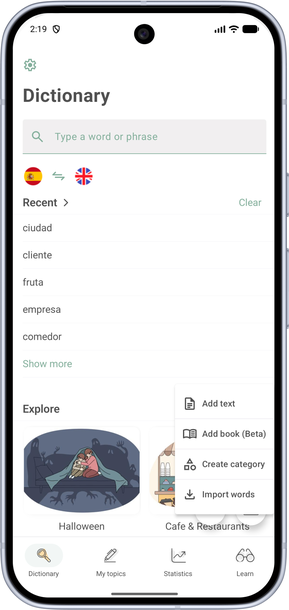
- On the Dictionary screen, tap +.
- Choose Add book and import an EPUB file.
- On the add-book screen, tap Select file (no more than 10 MB per file and 30 MB of files in total).
- At the bottom of the screen, choose a topic folder as you would on the word details screen, then tap +.
The book will be added to your topic.
How to open a book — see How to open a book.